Keyword research
Explore search demand and intent for a market, then turn promising ideas into a focused content brief.
Ask: “Which keywords fit this product and audience?”
Explore keyword research
Bring SEO, analytics, and ads into one workspace. Research here or connect Claude and ChatGPT through MCP to turn every answer into a clearer next step.
 Search Console
 Bing Webmaster
 Google Analytics
 Google Ads
 Microsoft Ads
It gets the most Google search impressions but has the lowest click rate. Raising its click rate from 1.1% to 2% would mean about 110 more visits at the same visibility.
| Product page | Impressions | Click rate |
|---|---|---|
| Linen sheets | 12,400 | 1.1% |
| Duvet covers | 7,900 | 2.7% |
| Cotton throws | 5,600 | 3.4% |
Review the title and search snippet, then compare clicks over the next 28 days.
Search ConsoleMarket dataIllustrative data. This walkthrough does not access or change an account.
Explore Alderloom, an illustrative home goods brand. Switch chats to see each decision. See the workflow
Selected example: Improve organic trafficExplore a sample workspace to see how search, analytics, and ad data become decisions you can act on.
Bring first-party search, website, and ad performance into one workspace. Add built-in market research to understand what to do next.
All plansSee the queries and pages behind your Google search traffic.
All plansInvestigate Bing search performance for your connected site.
Pro & AgencyUnderstand traffic, channels, and conversions alongside search data.
Pro & AgencyReview campaigns and prepare supported changes for approval.
Pro & AgencyExplore paid search performance and prepare supported Search changes.
Research keywords, competitors, search results, and backlinks.
Connect only the accounts you choose. Available reports depend on your plan, provider permissions, and connected properties.
Your AI, your workflow
Connect our MCP server to the AI assistant you already use. Ask it to inspect your connected data, run SEO research, and prepare supported ad changes in the right workspace.
Give your AI access to all websites or only the ones you select.
MCP research draws from the selected workspace’s Seosapient credits.
Supported changes are saved for an owner or admin to review first.
Seosapient MCP
Selected workspace
Search Console Bing Webmaster Market dataConnected sources and tools depend on your plan. Your AI provider handles the conversation; Seosapient supplies the data and research tools.
Search engine marketing (SEM) connects how people find you with what they do next. Seosapient brings Google and Bing search data, paid media, content, and analytics into one workspace.
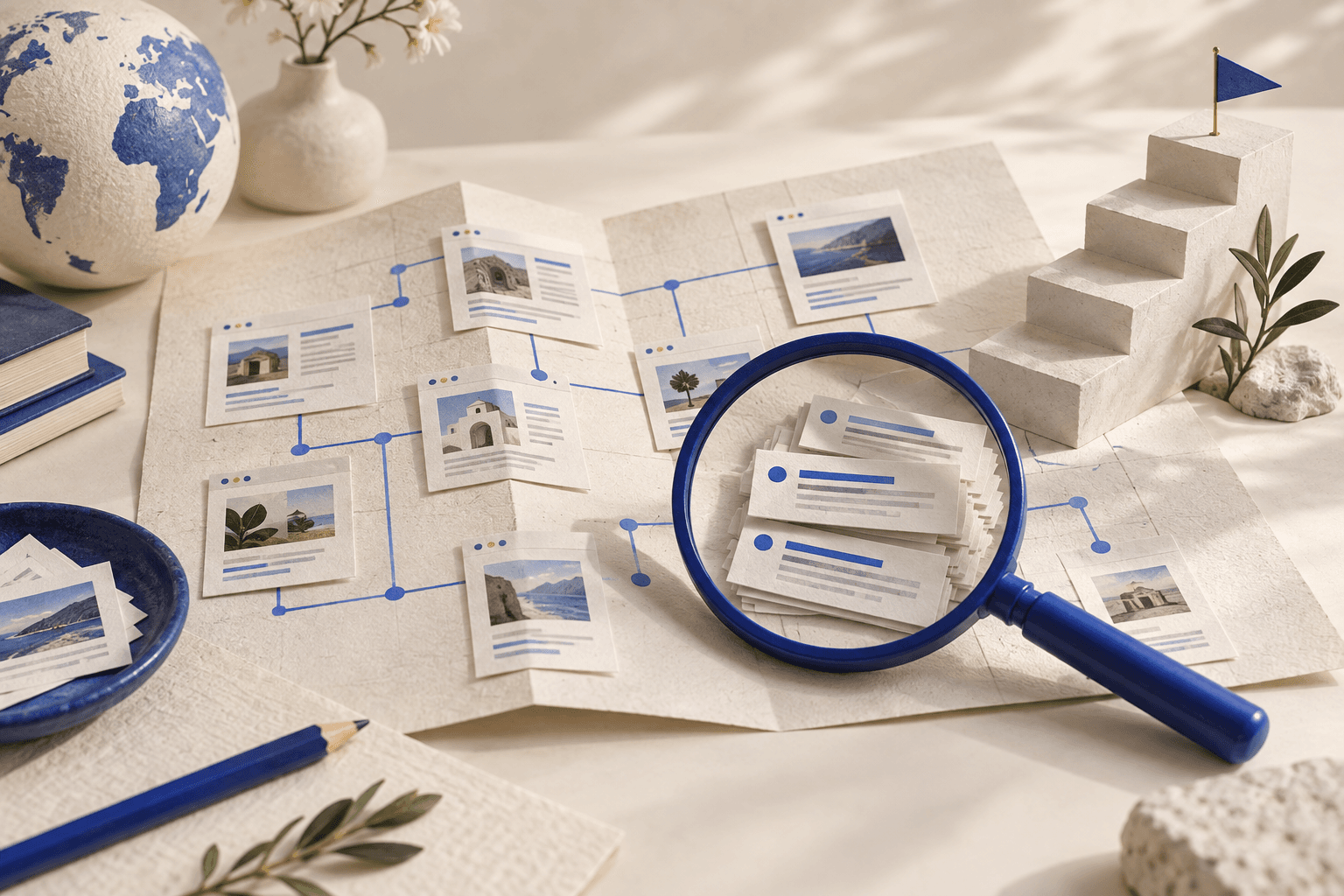
Turn search data into a practical SEO plan. Discover relevant keywords, investigate competitors, and identify pages that need attention before choosing your next task.
Built on Google Search Console, Bing Webmaster Tools + market data
Start with SeosapientTry asking: “Which pages could bring us more organic traffic?”
Explore each tool in detail, then start your research in a workspace. Seosapient brings connected performance data and built-in market research into the conversation.
Explore search demand and intent for a market, then turn promising ideas into a focused content brief.
Ask: “Which keywords fit this product and audience?”
Explore keyword researchInvestigate the queries and pages behind your organic visibility on Google or Bing, then decide what to improve first.
Ask: “Which pages get impressions but too few clicks?”
Explore search performanceReview indexed backlink and referring-domain counts for a public site, with context for what the numbers can and cannot tell you.
Ask: “How many referring domains point to our site?”
Explore backlink analysisCompare public search results and ranked keyword data to spot topics and pages worth examining for your own site.
Ask: “What topics do competing sites rank for?”
Explore competitor researchAsk Seosapient to investigate a problem or prepare your next campaign. Review the proposed settings before anything changes.
Turn a useful chat result into a saved dashboard or report. Your artifacts live in the client workspace, so the work is easy to revisit and share.
Create your workspaceAsk for a view of search queries, keyword trends, ad performance, or channel results. Combine up to three supported data sources in one saved dashboard.
Save a report in your workspace and refresh it when you need it. Set a daily or weekly schedule for recurring work.
Keep dashboards and reports together, then download the latest snapshot as PDF, Word, or Excel for a client or teammate.
Ask a question. Seosapient chooses the relevant tools and brings the findings back into the conversation.
Review a saved proposal before approving any supported change to your connected accounts.
Invite your team, manage workspace roles, and keep each client’s accounts and approvals in their own workspace.
Create a workspaceIllustrative workspace
Every plan includes MCP access for Claude and ChatGPT. Choose the connected sources and monthly research credits your account needs. All prices include VAT.
For growing organic search on one site.
VAT included · per workspace
Included in Starter
Search ConsoleBing Webmaster ToolsFor teams managing SEO and paid search.
VAT included · per workspace
Everything in Starter, plus
Google AdsMicrosoft AdsGoogle AnalyticsFor agencies managing multiple client sites.
VAT included · per workspace
Everything in Pro, plus
A plan shaped around your team, your sites, and the way you work.
Your websites share your account’s monthly credits. Research through MCP uses the same allowance as research in the app. Any Claude or ChatGPT charges are billed separately by your AI provider. One credit = $0.01 of usage value. Unused credits expire at renewal.
Eligible accounts can start a three-day trial during onboarding with a recurring payment method. Creating an account alone does not purchase a plan.
Research, content, connected accounts, and the controls behind your AI agent.
Seosapient is an AI agent for SEO and PPC that brings search research, connected account data, and marketing work into one conversation. Ask a question, and the agent uses the available tools to investigate, explain its findings, or prepare a draft you can review.
Read the full answerSeosapient researches keyword ideas, available search-volume estimates, search intent, and competing results for a topic or website. Give it your product, audience, country, and language so the research reflects the market you want to reach.
Read the full answerYes. Seosapient can help draft content briefs, outlines, articles, blog posts, page titles, meta descriptions, and internal-link ideas. Share your topic, audience, brand guidance, and the page’s purpose, then ask for research where it would improve the draft.
Read the full answerSeosapient can examine connected Google Ads or Microsoft Ads performance and help you investigate spend, search terms, keywords, and campaign structure. PPC analysis is available on Pro and Agency plans after you authorize and select an advertising account.
Read the full answerNo. Research can run as part of your request, but supported advertising changes are saved as proposals for explicit approval by a workspace owner or administrator. Reviewing a draft, asking a follow-up question, or connecting an account does not authorize a live change.
Read the full answerStarter includes Google Search Console, Bing Webmaster Tools, and built-in SEO market research. Pro and Agency also include Google Ads, Microsoft Ads, and Google Analytics 4. Authorize each provider and select an accessible property, website, or advertising account for the workspace.
Read the full answerYes. In a Claude configuration that supports remote MCP connectors, you can connect Seosapient and authorize selected or all accessible workspaces. Claude can then use the SEO research and connected-data tools available on those workspaces’ plans.
Read the full answerYes. Ask Seosapient to save a dashboard or report using supported connected sources. Saved artifacts live in the website workspace, so you can return to the results instead of rebuilding the same report in a new conversation.
Read the full answerCredits cover metered AI and paid SEO research usage. One credit represents $0.01 of usage value, and the work required varies by request: a short draft and a question requiring several research calls can use different amounts.
Read the full answerConnect your sources, investigate an opportunity, and save the result as a dashboard or report in your workspace.